Reconciling sales, entering invoices, and tracking inventory by hand eats hours every week — hours you don't have. I've done the late-night data entry, and there's a better way. Connecting your POS to accounting and inventory tools automates the busywork. Here's what to connect and why.
QuickBooks for the books
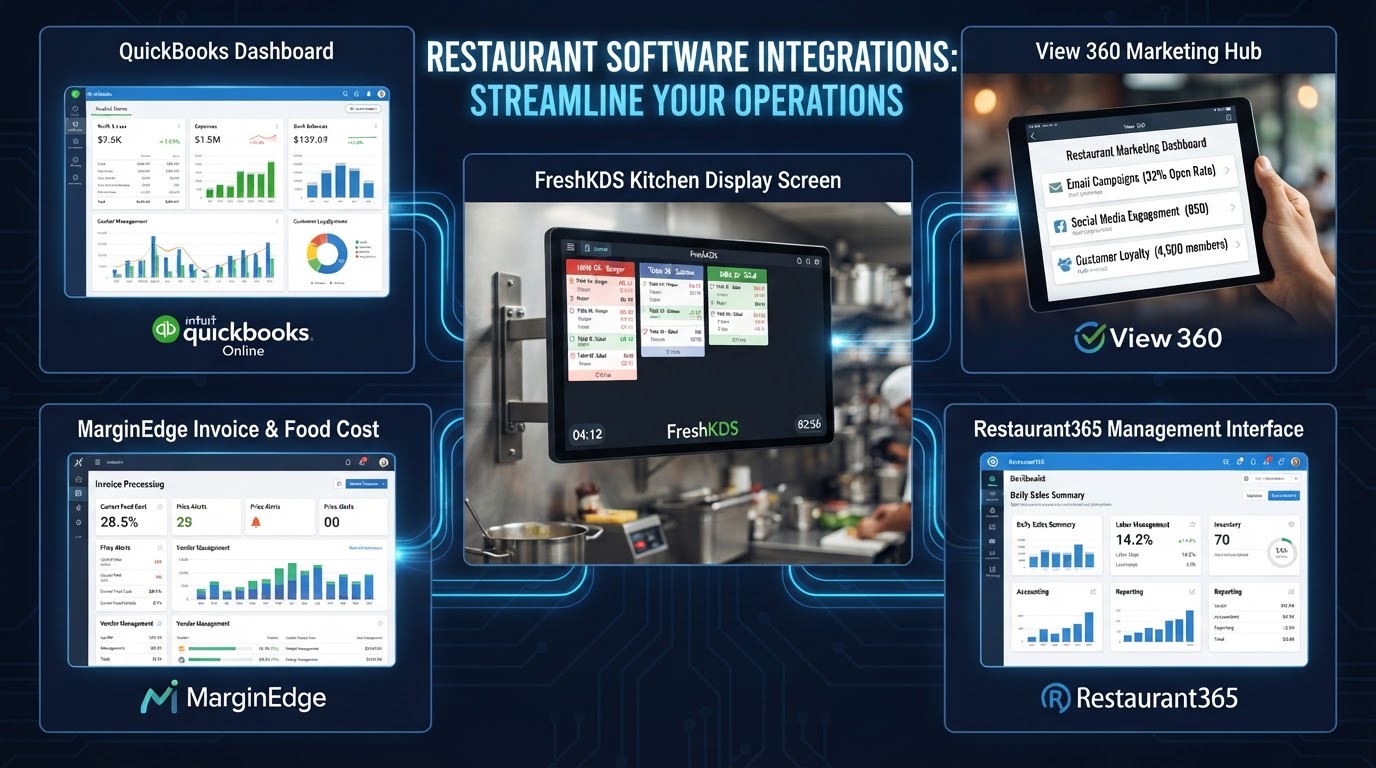
Integrating your POS with QuickBooks pushes daily sales summaries straight into your accounting — no manual entry, fewer typos, faster month-end close. You get clean financials without the data entry.
MarginEdge for invoice and recipe costing
MarginEdge turns your supplier invoices into recipe-level costing data. When it connects to your POS, you can see your actual food cost per dish in near real-time — the kind of insight that protects your margins.
Restaurant365 for the full picture
Restaurant365 combines accounting, inventory, and scheduling in one platform. For growing or multi-unit restaurants, integrating it with your POS gives a complete operational and financial view in one place.
The payoff
These integrations don't just save time — they give you accurate, timely numbers to make decisions with. Instead of finding out at month-end that food cost drifted, you see it as it happens.
I connect your POS to the tools that run your back office — QuickBooks, MarginEdge, Restaurant365 — so you get accurate numbers without the data entry. Explore our 3rd-party integration services and let's get your books on autopilot.
Look, you've read this far — so let's skip the small talk.
If any of this hit a little too close to home, that's a sign it's time to do something about it. We're local, we've run restaurants, and I'd love to help you sort yours out — no jargon, no pressure, just an honest read from somebody who's been behind the line.